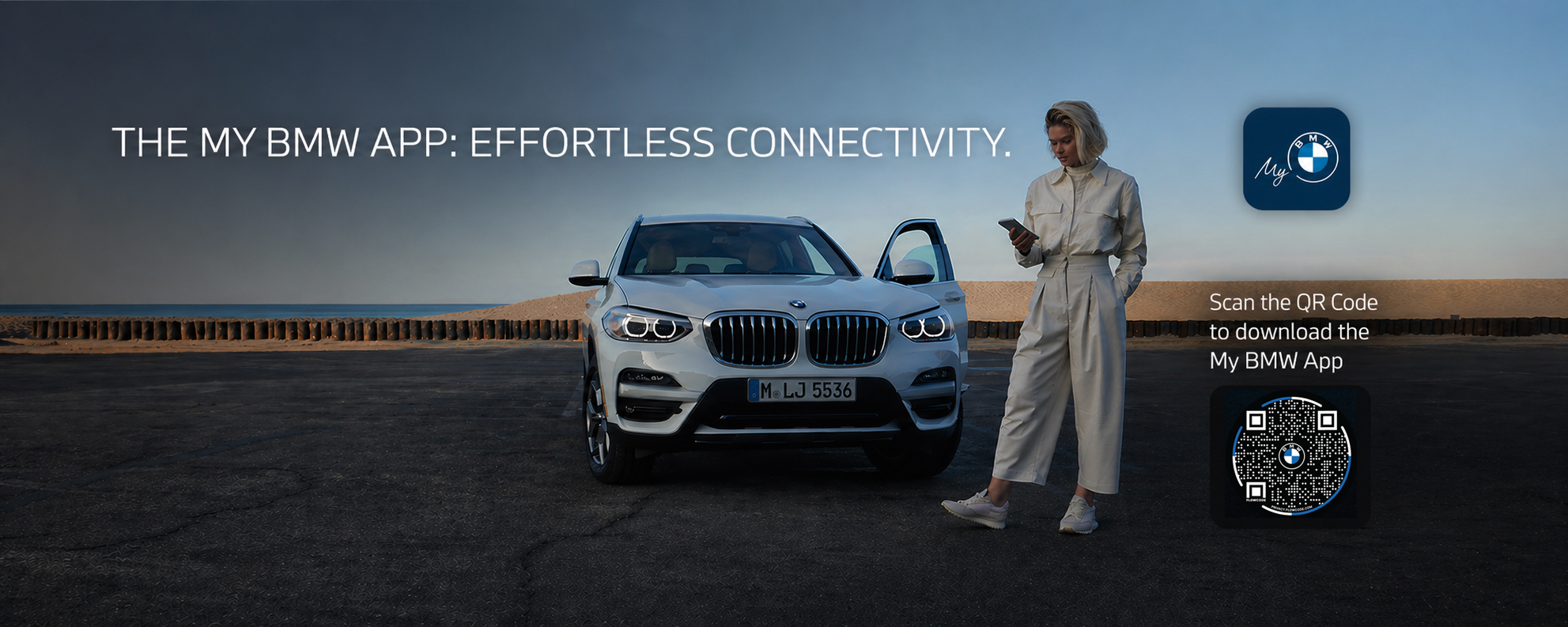
My BMW App displayed on a smartphone next to a BMW vehicle at BMW of Freeport in Freeport, New York

Take Control of Your BMW From Anywhere

Experience a smarter, more connected way to own your BMW. The My BMW App brings your vehicle, your service needs, and your driving experience together in one place, right from your phone. Whether you are at home, at work, or out in Freeport, New York, you can stay connected to your BMW and the team at BMW of Freeport with ease.
Stay Connected to Your BMW Anywhere

Remote Access and Control

  • Lock or unlock your vehicle remotely
  • Start your BMW before you step outside
  • Locate your vehicle quickly
  • View your surroundings with Remote 3D View

Vehicle Status and Maintenance

  • Check fuel levels, battery status, and driving range
  • Monitor tire pressure and vehicle condition
  • Receive maintenance alerts and service reminders
  • Access important vehicle information anytime

Service and Everyday Driving

  • Schedule service directly through the app
  • Send directions from your phone to your BMW
  • Use your phone as a digital key on compatible models
  • Sync your preferences for a personalized drive

Built for Everyday Convenience

The My BMW App fits into your daily life in ways that make a real difference.

  • Heading out on a cold morning? Start your BMW remotely
  • Not sure if you locked your car? Check in seconds
  • Need service? Schedule it quickly without making a call

It is convenience you will actually use every day.

Getting Started Is Easy

01

Download the App

Available on the App Store and Google Play.

02

Log In or Create Your BMW ID

Use your existing BMW ID or create one for free.

03

Add Your Vehicle

Enter your VIN to connect your BMW to the app.

04

Start Using Features

Remote access, service scheduling, and more, right away.

Frequently Asked Questions

The My BMW App is compatible with most BMW models from 2014 onward that are equipped with BMW ConnectedDrive. Certain features may vary depending on your model year and trim. Contact BMW of Freeport to confirm compatibility for your specific vehicle.
Yes, the My BMW App is free to download on both the App Store and Google Play. A BMW ID is required to log in, and some remote services may require an active BMW ConnectedDrive subscription depending on your vehicle and region.
If you are having trouble logging in, try resetting your BMW ID password at the BMW ID portal. Make sure you are using the email address associated with your BMW account. If the issue continues, the team at BMW of Freeport is happy to help. Contact us here.
The Digital Key feature is available on compatible iPhone and Android devices and requires NFC capability. It is supported on select BMW models. Check the My BMW App or ask the BMW of Freeport team for details on whether your vehicle and device are compatible.
After logging into the app with your BMW ID, navigate to the vehicle section and enter your 17-digit VIN. You can find your VIN on your vehicle registration, insurance card, or on the driver's side dashboard near the windshield.
Yes. The My BMW App allows you to schedule service directly and connects you with your local BMW service center. You can also schedule service online here with BMW of Freeport.

Stay Connected with BMW of Freeport

Have questions or need help setting up your app? The team at BMW of Freeport is here to help. Reach out and we will walk you through everything.

Download the App

Download My BMW App on the App Store Get My BMW App on Google Play

Get Directions

291 W. Sunrise Hwy, Freeport, NY, 11520
BMW of Freeport 40.656251, -73.590533.